


Dauntless support
Website-declined or gateway errors
Messages such as “the website declined to show this webpage,” “this website requires you to log in,” “gateway timeout error,” “error 502,” or “error 504” indicate that the activation page could not complete its request.
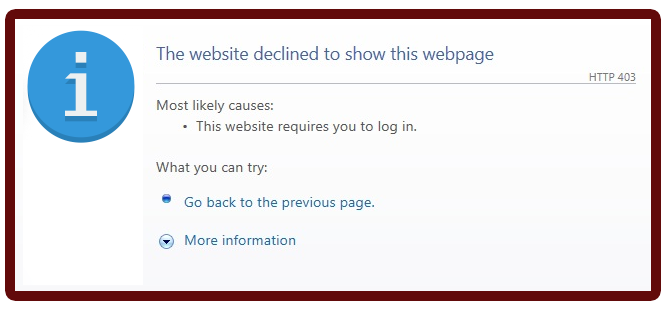
The message alone does not identify the cause. Connection filtering, firewall or security settings, and server availability are among the things to check.
- Review the applicable Microsoft troubleshooting information below.
- Check that your firewall, VPN, and security software permit the Dauntless application to access the internet. Some security components may remain active after appearing to be disabled; follow the vendor's restart and configuration instructions.
- If those steps do not resolve the problem, contact the helpdesk. Manual activation may be available for some titles, at our discretion. It is not supported by every title and may require additional correspondence.
* An Activation Code may also be called an Unlock Key, Unlock Keycode, Unlock Code, Keycode, Registration Code, License Key, or Serial Number. The label in your purchase email or software may vary.