



Dauntless support
Activate GroundSchool EASA for Windows
- Download and install the Windows software from the GroundSchool EASA ATPL page. Installation help is available there.
- Open the software and check that the main menu identifies GroundSchool EASA and the ATPL, CPL, or IR product you purchased. If it identifies FAA, Canada, or another product, return to the EASA download page and install the correct EASA version.
- Select “Unlocking this software” on the main menu.
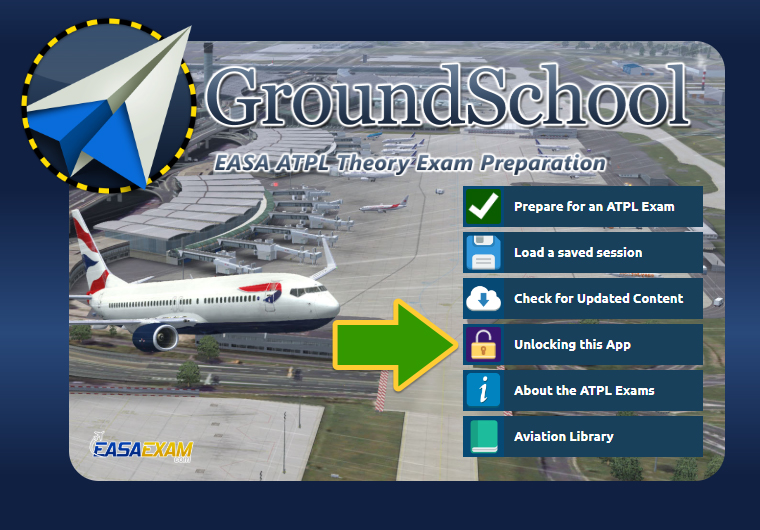
The artwork and wording may vary slightly between versions.
* An Activation Code may also be called an Unlock Key, Unlock Keycode, Unlock Code, Keycode, Registration Code, License Key, or Serial Number. The label in your purchase email or software may vary.