



Dauntless support
Continue through the activation screens
Your version may show some or all of the following screens.
1. Choose activation
Select Activate Software, or the equivalent option in your version.
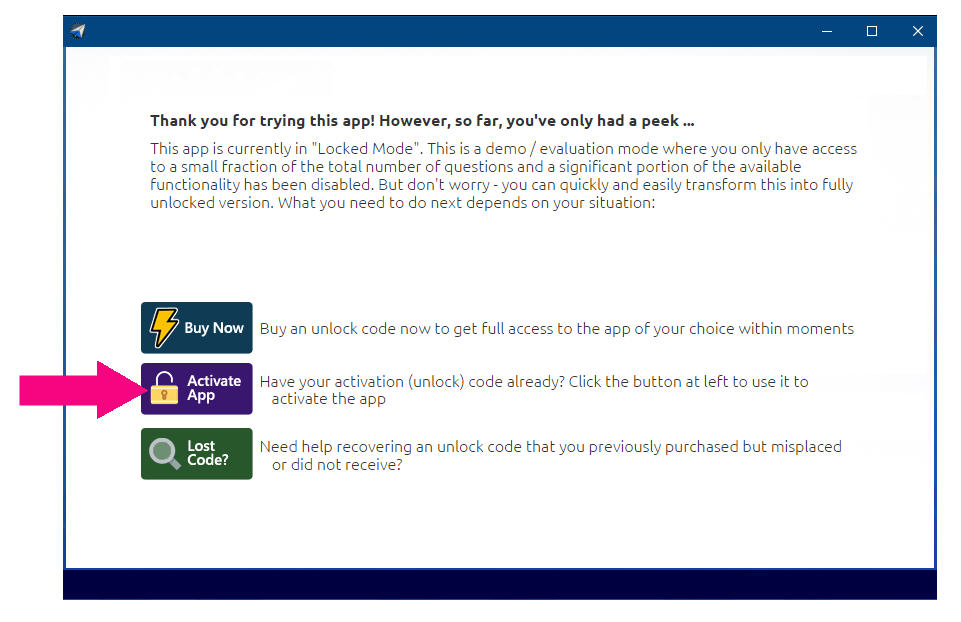
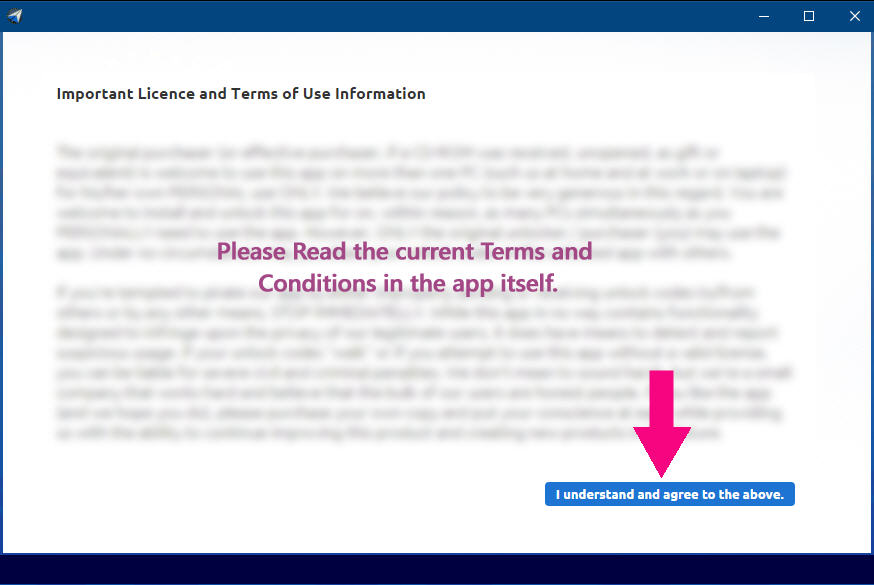
2. Review the terms
If a terms or provisions screen appears, read it and continue using the indicated button if you agree.
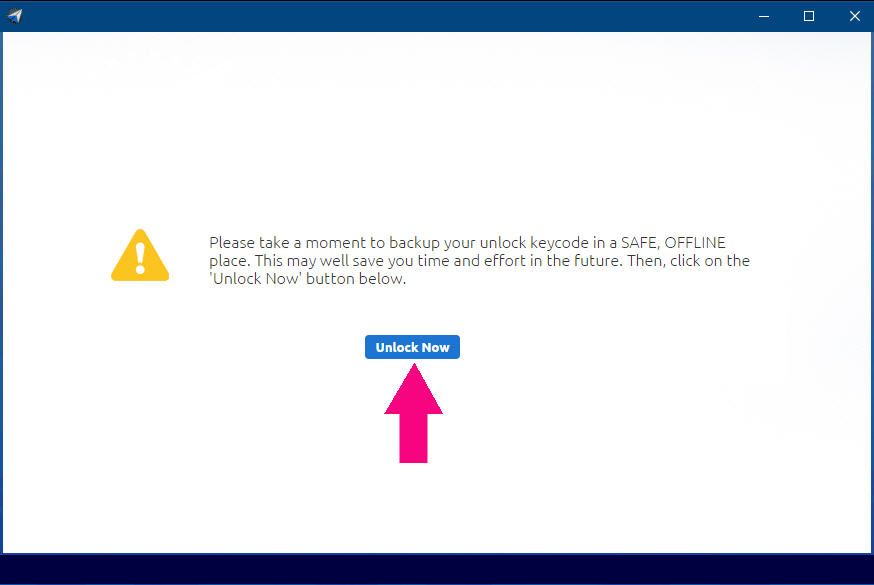
3. Save your Activation Code*
If prompted, keep a secure offline backup of your Activation Code*, then select the button in the center of the screen to continue.
* An Activation Code may also be called an Unlock Key, Unlock Keycode, Unlock Code, Keycode, Registration Code, License Key, or Serial Number. The label in your purchase email or software may vary.