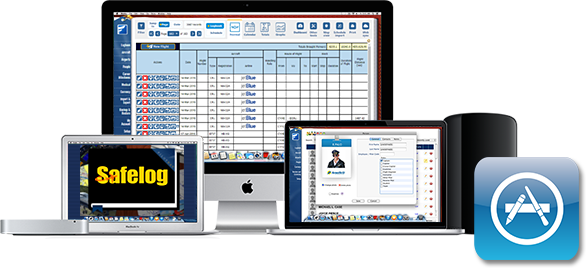
How do I get Safelog for Mac?
You can download Safelog for Mac for FREE from the Mac AppStore link above.
Installation from the Mac AppStore should be straightforward, though if you need help, please let us know. One huge advantage of getting this from the Mac AppStore is that future updates of the product will
be handled centrally through your Mac, which will make it easier than ever for you to have the latest and greatest version of our Mac program.
How do I purchase Safelog for Mac?
Safelog for Mac is FREE for those who have a SafelogWeb.com account. If you don't have one, you'll be prompted via the App to purchase a Safelog subscription. You can sign up to Safelog either
inside the app using your existing iTunes (Apple) account or via our SafelogWeb.com website.
I am existing SafelogWeb user. Do I have to re-type my data into Safelog for Mac?
No, it's all automatic. You just enter your SafelogWeb username and password, and all your data will synchronize seamlessly. The whole process takes just a few moments.
Safelog is a fully-integrated system where all the component parts are made to work together and synchronize for maximum ease, flexibility, and security for you.
By the way, this highlights a big difference between Safelog and, well, all other pilot logbook systems out there.
While theirs are one-trick-ponies, technologically speaking, ours is an integrated system. This means that when the next great platform comes along, be it a mobile platform or a PC or whatever
comes down the road, we can make a compabible and transitional system for it straightforwardly, meaning that Safelog is designed to be future-proof as well as multiply-redundant.
Is Safelog for Mac a stanadlone app?
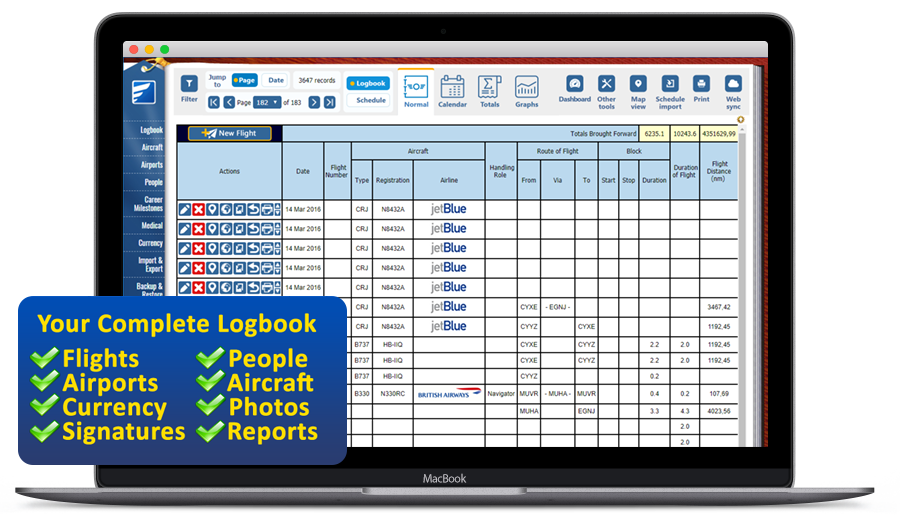
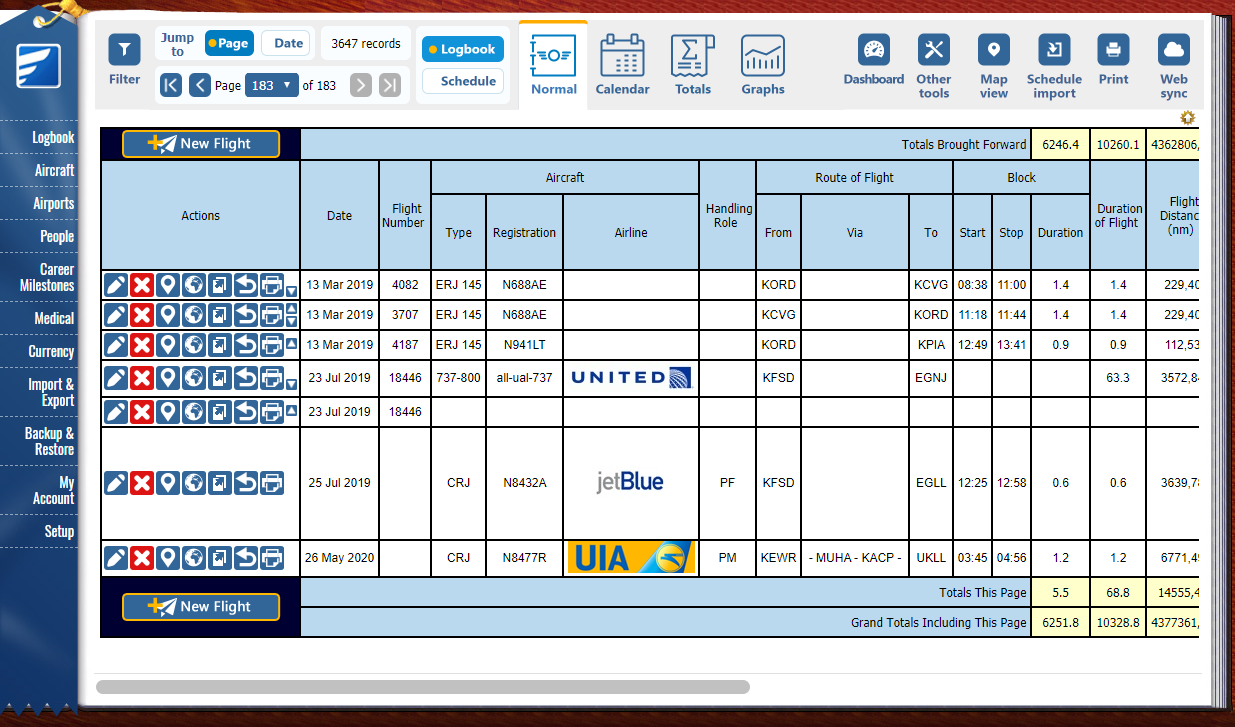
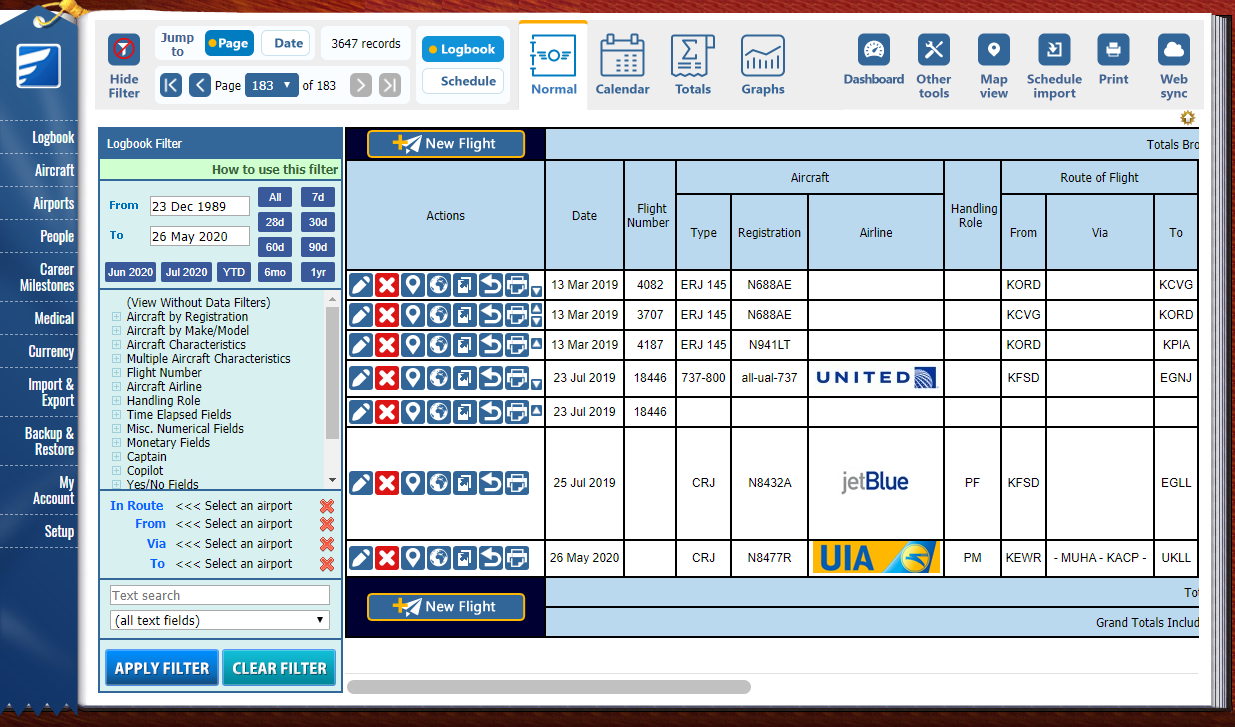
Basically, yes. Most or all of the key features that you need to use your logbook on a day to day basis are in Safelog for Mac. This means that it is far, far more than a thin "cloud" app like some of our competitors have. That said, some features do require an
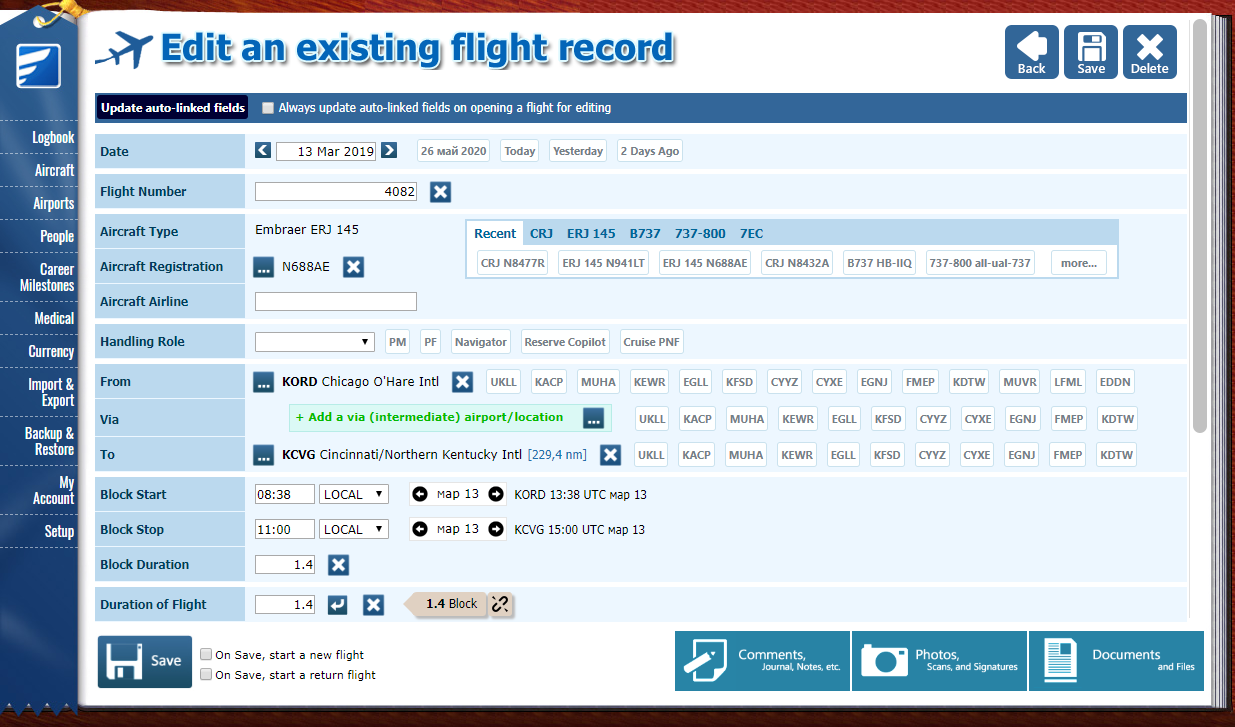
internet connection and a few more rarely used features are available as cloud services within the app. You do NOT need to be online or rely on our servers for day to day things like logging flights, running reports, creating printouts, and so forth. An
internet connection is required to synch your logbook however, so that for example you can coordinate flights between your macbook and your tablet or phone.
Do I have to be connected to the Internet in order to use Safelog for Mac as a day-to-day thing?
No, you don't. You can use it anywhere you have your Mac, connected to the Internet or not.
Safelog for Mac is standalone software for your Mac. So, for example, you can use it to log flights on your Mac notebook when you're at an exotic airport without an internet connection,
and then synchronize your data with the rest of your logbook once you're back home. Synchronization
will both make a backup and get you up to date with things like updates to the built in airport database. It's a good idea to synchronize regularly to stay up-to-date and to help protect against,
for example, loss of logbook data due to loss or theft of your portable Mac.
How do I synchronize Safelog for iPhone/iPad or Android with Safelog for Mac?
Click 'synchronize' in the Safelog for Safelog for iPhone/iPad or Safelog for Android app on your mobile device. This will send your data from your mobile device to the SafelogWeb central server. Then, click on 'Synchronize' or 'Web Sync' inside Safelog for Mac. This will get the data from SafelogWeb
and put it on your Mac. Safelog for Mac does not synchronize with your iPhone/iPad via direct cable connection to your device.
How can I get Safelog for iPhone/iPad/Android?
Both are available as free downloads from the official Apple and Google app stores. Just visit PilotLog.com and follow the links to them.
What if I have two Macs?
We got you covered. Just install Safelog on Mac for both. They will happily synchronize with each other via SafelogWeb. You can install Safelog for Mac on as many Macs as you like for no additional charge.
Two (or more) of us share the same Mac
We've got you covered. Just go into the "My Account" screen of Safelog for Mac and you can change from one user to another on the same Mac. You must be connected to the Internet while you switch.
Can I try a free demo of Safelog for Mac?
Absolutely. Just download it from the Mac App Store link above and give it a try.
I just want Safelog for Mac.
If you download Safelog for Mac from above, in theory you can basically just use it and no other Safelog elements, ever.
I am an existing user of Safelog for PC and want to use Safelog for Mac
No problem. Just "sync" your copy of Safelog PC then download Saflog for Mac onto your Mac. Enter your Safelog username and password and voila your data is in Safelog for Mac. The whole process is simple and takes just a few minutes.
I've used other logbook software in the past, such as LogTenPro or LogbookPro but have seen the light and would like to switch to Safelog. How can I get my logbook data over?
Fear not, we've got you covered. We've helped thousands of people, including hundreds of both former LogTenPro users and LogbookPro users to transition to Safelog via our Free Transition Service.
Now that Safelog for Mac is available, we redouble our welcome to users of those and other
logbook systems. All you will need to do is to upload the data file from your old logbook system and we will help transition your data into Safelog. Under most cases, you don't need to re-type anything. |