



Dauntless support
Activate RideReady for Windows
- Download and install the Windows version from the RideReady page. Installation help is available there.
- Open RideReady from its desktop or Start menu shortcut. Check that the title says RideReady. RideReady prepares you for the checkride oral exam; GroundSchool prepares you for the written test. If another product is open, install and open RideReady.
- Select the activation or “unlock” link shown by the arrow below.
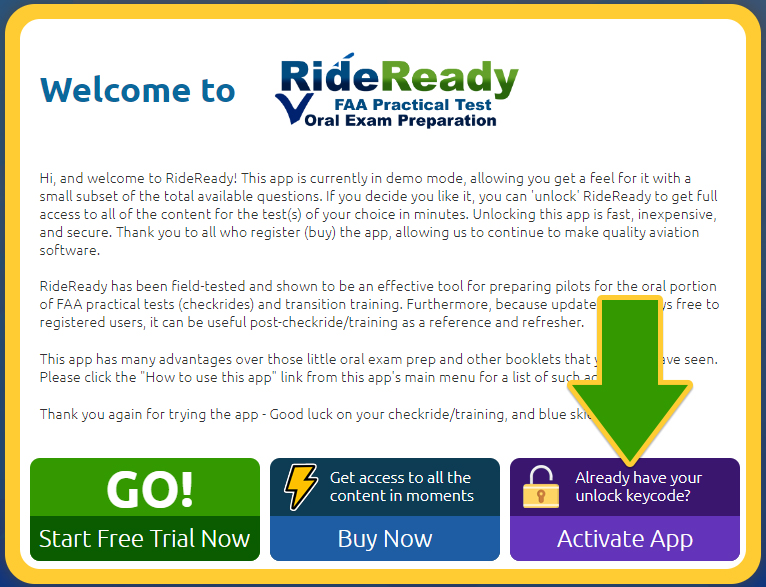
The artwork may vary between versions, but the product name and activation link identify the correct screen.
* An Activation Code may also be called an Unlock Key, Unlock Keycode, Unlock Code, Keycode, Registration Code, License Key, or Serial Number. The label in your purchase email or software may vary.